
































Hey all!
I have been working on something new.
It is not about digital scrapbooking or about blogger layouts. I am going in a new direction with a new blog and other things!
Being a part of the digital scrapping experience has been amazing! I've met some of the most incredible, sweet, talented people this world has. I have loved every moment of it.
If you are interested in knowing about what I'm doing now, please email me at alliebrownie@gmail.com.
I have had some incredible followers whom I have left wondering what's been going on with me. For that I apologize. This way we can still keep in contact.
I love you all!
Allie

A new kit and header thanks to Scrapping Sisters!
Thanks to Tami and Ronda of Scrapping Sisters for this beautiful kit! What a beautiful color scheme of blues, creams, and browns! I was super excited when I saw it!
Of course, my layout only shows a FRACTION of what's in their kit, called "Serendipity". This is is huge with 22 papers and 102 embellishments! So what you see here doesn't do this kit justice!
And the great part of this kit, it's only $1.50 if you get it from their blog (scroll down a little and it's on the right)! All those avid digital scrapbookers know that that price is a steal for a kit so large! So hop on over to see them, tell them hi and grab this bargain!
Thanks again Tami and Ronda for your work!

http://i133.photobucket.com/albums/q64/alliebrownie/358.jpg
And here's the layout:

http://i133.photobucket.com/albums/q64/alliebrownie/358header.jpg
I'm getting with the times! New HTML code for layouts.
Alright. So I've been a little slow with updating how I do my layouts and how they look on your blog. Yes, I know I need to make labels and folders of the different kinds of layouts I have to make easier access to all as well as different labels of all the kit designers so it's easier for you to pick out your favorites as well! Can you say lack of motivation? Yep, I have that. That would require a ton of sitting time on my part and that I just can't do with the children I have running rampant along the house!
<style type="text/css">
body {background-image: url(*DIRECT LINK GOES HERE*); background-position: center; background-repeat: no-repeat; background-attachment: fixed; }
</style>
<div id="tag" style="Z-INDEX: 50; LEFT: 0px; WIDTH: 150px; POSITION: absolute; TOP: 30px; HEIGHT: 20px">
<a href="http://www.alliebrownslayouts.blogspot.com/" target="_blank">
<img border="0" src="http://i133.photobucket.com/albums/q64/alliebrownie/ABLHeader.png"/>
</a></div>
But I did change one thing around. I've seen that the "cool" thing to do is to no longer have my name advertised on my layout but to have this cute little logo-thingy on the top left corner of the layout so that you can see the layouts are from me and that you can click on the little box and be sent to this blog.
So, here's the new code to add my layouts. Don't worry!! THE OLD CODE STILL WORKS!
<style type="text/css">
body {background-image: url(*DIRECT LINK GOES HERE*); background-position: center; background-repeat: no-repeat; background-attachment: fixed; }
</style>
<div id="tag" style="Z-INDEX: 50; LEFT: 0px; WIDTH: 150px; POSITION: absolute; TOP: 30px; HEIGHT: 20px">
<a href="http://www.alliebrownslayouts.blogspot.com/" target="_blank">
<img border="0" src="http://i133.photobucket.com/albums/q64/alliebrownie/ABLHeader.png"/>
</a></div>
Amanda's Fall Collection kit!
I have "fall"en in love with Amanda's Fall Collection Kit. A little while ago, Amanda from KevinandAmanda.com posted this blog post about the new fall colors of clothing that she'll be wearing. I was in love with the color combinations! Especially since I've previously never cared for grey or the violet red color amongst the large spectrum of colors on the color wheel. But the thought of having a warm pinkish color for fall was genius and I knew I would forever look at that color on clothing and think of Amanda and how she changed my mind on it.
And lucky me--she made a KIT on the wonderful fall colors that have suddenly made my heart patter when placed together. And best of all: It's free! That's right! F.R.E.E.
Go and get it here. And don't forget to look around her site some more to get other WONDERFUL freebies, like crafty, scrapbooking and handwriting fonts for your computer! I LOVE them and have them all. I'm using her fonts all the time for when I print things out for church. Curlz and Comic Sans are sooo yesterday.
Ohhh, and do you like decadent treats? You should SEE the things she's cooking up on her blog too! I gain weight just drooling over her yummy posts!
Enjoy! I had a blast making this layout and header! Amanda, you are so stinkin' talented!

http://i133.photobucket.com/albums/q64/alliebrownie/356.jpg
(...and the flowers were not a part of Amanda's kit. I added those on my own.)

http://i133.photobucket.com/albums/q64/alliebrownie/356header.jpg
Rachel Sams! It's been so long!
Rachel from Steel City Scraps has made some fabulous kits since I've last worked with her! You've got to see her shop. Her color choices for each kits are to die for! I could see her love and hard work for each kit. Her talent shows through as well.
This is from her "A Breath of Fresh of Air" kit. It is so sweet and soft colored. How could you NOT have this kit in your collection? If you don't have a collection, this is a great kit to start it! Rachel is awesome!

http://i133.photobucket.com/albums/q64/alliebrownie/353.jpg

http://i133.photobucket.com/albums/q64/alliebrownie/354.jpg

http://i133.photobucket.com/albums/q64/alliebrownie/355.jpg
And here's the header:


http://i133.photobucket.com/albums/q64/alliebrownie/353-5header.jpg
Would YOU like to win some Ugg Boots?
I know you do!
Heck, I do!
Well now you can! Alicia from whoogaboots contacted me and thought you would like to have the opportunity for your own pair of boots. I personally love the brown and pink ones! And they look so comfy and cozy!
It's a cinch to win! Click on the picture below and follow the two incredibly easy steps!
Good luck! And let me know if you win!!

How to create your own layouts!
I've received several, and I mean SEVERAL emails on the measurements of my layout and how one could make their own.
Instead of writing the same answer to each of you, I thought it would be fun to make a liitle picture template to show you how I do it.
You do need to have Photoshop, Paint Shop Pro, or another artsy-fartsy program where you can set your image size and the amount of pixels per inch.
 The photo is clickable so you are welcome to see a larger version of it! I always love to see what you create so don't hesitate to show me your backgrounds!
 Let me know if you have any other questions! I'm happy to help!
Helpful tip from a fan!
I wanted to say thanks to Christy B for writing me and giving me this great advice:
I saw you had a link to how to make your template 3 column. I had tried that website before I saw it on yours. I couldn't get it to work. But I found another website that worked better for me and was less confusing.
Thanks again Christy! Well all love simplicity when it comes to blogging!
Chris is back AND with a coupon!
Chris from Heavenly Scraps is back and with her cute kit "Give a Hoot". Oh I love the greens, browns, pinks, and blues together. Chris has a good eye for color combination! I was looking at her shop the other day, just mesmermized by her talent! Thanks Chris! The kit was again, a blast to work with!

http://i133.photobucket.com/albums/q64/alliebrownie/350.jpg

http://i133.photobucket.com/albums/q64/alliebrownie/351.jpg

http://i133.photobucket.com/albums/q64/alliebrownie/352.jpg
And here's the header:

http://i133.photobucket.com/albums/q64/alliebrownie/350-352header.jpg
But here's the best part! Never before has a designer giving all you wonderful readers A COUPON!!! At Chris's shop (www.bits2kits.com) you can get this exact kit (and I tell ya, it's a FUN kit) for two dollars off! Just type in the coupon code below when you order on her site!

Here's the link to get to it directly.
Coupon code: hs_alliesblog09
Coupon Amount: $2.00
Good for Give A Hoot Page Kit
Expires: 8/11/10
Coupon Amount: $2.00
Good for Give A Hoot Page Kit
Expires: 8/11/10
Two new layouts with Heavenly Scraps' kit!
Chris from Heavenly Scraps had made the cutest kit! I had a blat (no pun intended) making these layouts and header! Her kit is loaded with paper and elements! I couldn't get enough of it!
This is her "Outta Space" kit! I love how bright and fun the kit is. I know you will too! Get it here.
Thanks Chris! This kit is adorable.

http://i133.photobucket.com/albums/q64/alliebrownie/348.jpg

http://i133.photobucket.com/albums/q64/alliebrownie/349.jpg
And here's the header.

http://i133.photobucket.com/albums/q64/alliebrownie/348header.jpg
How to make 3 column templates!
Hey everyone! My friend Carroll just wrote a comment, asking how to make 3 column templates. I love my 3 column templates, especially with all the gadgets I have littering my blogs! it makes me feel much more organized.
I have the perfect website that'll teach you ANYTHING about blogger. Here's the links for their tutorials on changing your template.
Remember, the template you need to have my layouts is MINIMA, even so, I'll post how to make 3 column layouts in all Blogger Templates.
- Three Columns Denim Template
- Three Columns Dots Template
- Three Columns Minima Template
- Three Columns Rounders 2 Template
- Three Columns Rounders 3 Template
- Three Columns Rounders 4 Template
- Three Columns Rounders Template
- Three Columns Sand Dollar Template
- Three Columns Scribe Template
- Three Columns Thisaway Template (I)
- Three Columns Thisaway Template (II)
How to add Post Dividers!
Forever ago, I posted how I thought you put in post dividers and then I asked if anyone knew of a better way to post them.
Well, there is! Thanks to Kindra, she sent me this link to Shabby Blogs with the tutorial on how to make those beautiful, adorning post separators!
Thanks Kindra and thanks to Shabby Blogs (I'm officially a follower) for your help!
Hmmm...looking at Shabby Blogs is really giving me the itch to give this blog a little facelift!
Check out Amanda Button's kit!
I was perusing around Amanda's blog, as I like to do as I love her photos and her craftiness and her inspirations to make me craftier--heck, just about everything that she posts, when I came across this freebie. I had to have it!! And you can too!

Are you not in LOVE with these colors? I've considered changing out my WHOLE blog with this kit until I considered the amount of time that would take.
...I'm still considering it. Do you all think my blog needs a facelift?
Check out Amanda's blog and let her know how awesome she is!

http://i133.photobucket.com/albums/q64/alliebrownie/324-1.jpg
Here's the 3 column template layout.

http://i133.photobucket.com/albums/q64/alliebrownie/324wide.jpg
And here's the fun header.
And here's the fun header.
Note: the worn page is an overlay I put on Amanda's paper, it doesn't come with the kit.

http://i133.photobucket.com/albums/q64/alliebrownie/324headerPNG.png
Scenic Layouts!
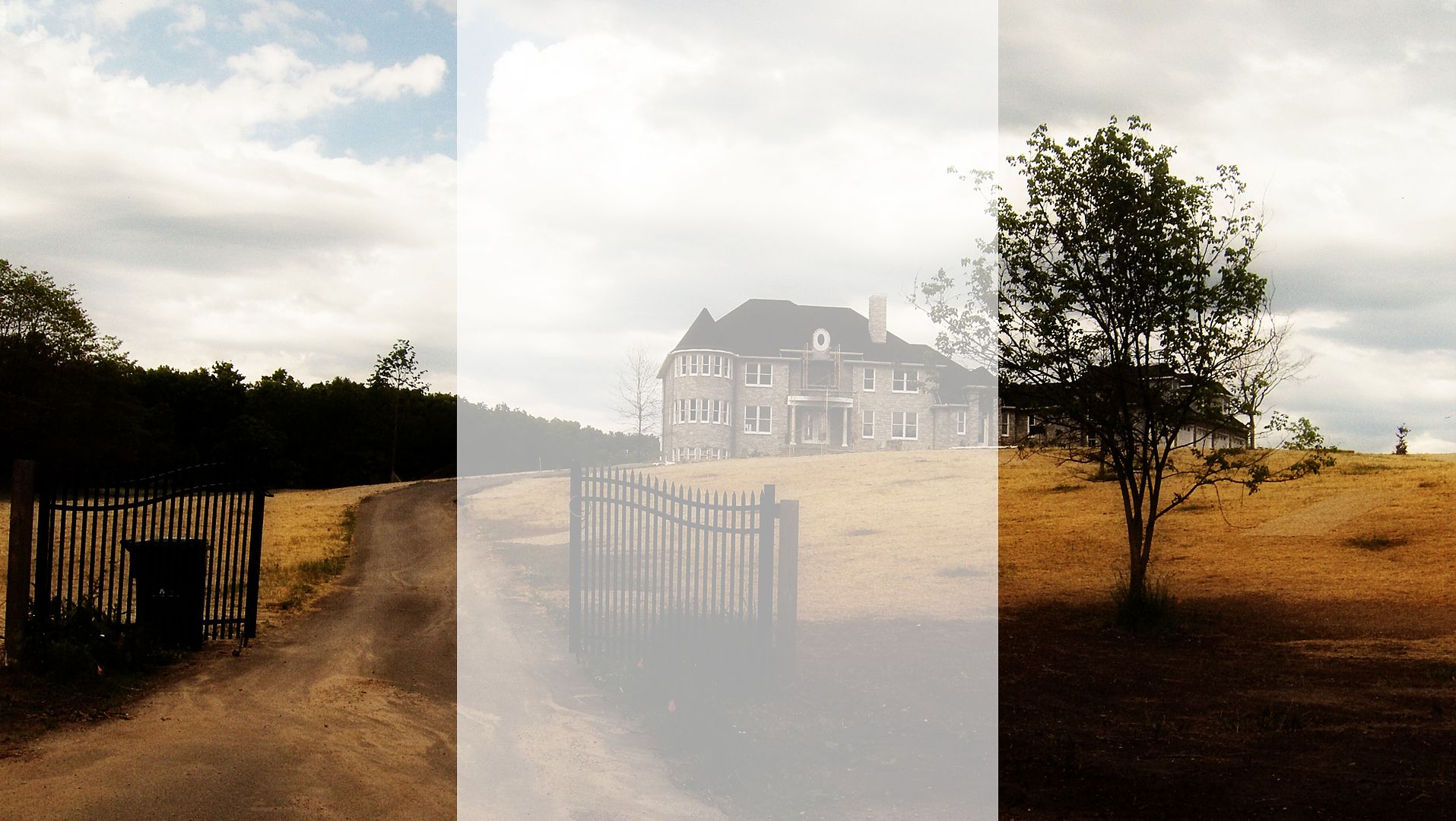
Sara's done it again! Look at these photos! They're gorgeous! These were all taken in Michigan and I know you'll love them.
I would love to know which one is your favorite. All them are mine!
I would love to know which one is your favorite. All them are mine!

http://i133.photobucket.com/albums/q64/alliebrownie/323.jpg

http://i133.photobucket.com/albums/q64/alliebrownie/324.jpg

http://i133.photobucket.com/albums/q64/alliebrownie/325.jpg

http://i133.photobucket.com/albums/q64/alliebrownie/326.jpg

http://i133.photobucket.com/albums/q64/alliebrownie/327.jpg

http://i133.photobucket.com/albums/q64/alliebrownie/328.jpg

http://i133.photobucket.com/albums/q64/alliebrownie/329.jpg

http://i133.photobucket.com/albums/q64/alliebrownie/330.jpg

http://i133.photobucket.com/albums/q64/alliebrownie/331.jpg

http://i133.photobucket.com/albums/q64/alliebrownie/332.jpg

http://i133.photobucket.com/albums/q64/alliebrownie/333.jpg

http://i133.photobucket.com/albums/q64/alliebrownie/334.jpg
Yeah, I WANT this house.

http://i133.photobucket.com/albums/q64/alliebrownie/335.jpg

http://i133.photobucket.com/albums/q64/alliebrownie/336.jpg

http://i133.photobucket.com/albums/q64/alliebrownie/337.jpg

http://i133.photobucket.com/albums/q64/alliebrownie/338.jpg

http://i133.photobucket.com/albums/q64/alliebrownie/339.jpg

http://i133.photobucket.com/albums/q64/alliebrownie/340.jpg

http://i133.photobucket.com/albums/q64/alliebrownie/341.jpg

http://i133.photobucket.com/albums/q64/alliebrownie/342.jpg

http://i133.photobucket.com/albums/q64/alliebrownie/343.jpg

http://i133.photobucket.com/albums/q64/alliebrownie/344.jpg

http://i133.photobucket.com/albums/q64/alliebrownie/345.jpg

http://i133.photobucket.com/albums/q64/alliebrownie/346.jpg

http://i133.photobucket.com/albums/q64/alliebrownie/347.jpg

http://i133.photobucket.com/albums/q64/alliebrownie/317.jpg

http://i133.photobucket.com/albums/q64/alliebrownie/318.jpg

http://i133.photobucket.com/albums/q64/alliebrownie/319.jpg

http://i133.photobucket.com/albums/q64/alliebrownie/320.jpg

http://i133.photobucket.com/albums/q64/alliebrownie/321.jpg

http://i133.photobucket.com/albums/q64/alliebrownie/322.jpg
Subscribe to:
Posts (Atom)